2026 SULS Election
How to vote
Voting is online from 26 to 29 October and takes about two minutes. Here is everything you need to do it.
Are you a registered SULS member?
Only SULS members can vote, so this is the first thing to check.
Register with SULS
Sign up through the SULS website. Use an email address you check often, because that is where your voting link will be sent.
Not sure if you’re already a member? Search your inbox for “SULS”. If you already get the SULS newsletter, you’re most likely registered.
Then follow the steps for members
Once you’re registered, the rest is the same as for everyone else.
Look for your voting email
When voting opens on Monday 26 October, you’ll get an email with your voting link at the address you used to register for SULS. It will look something like this.
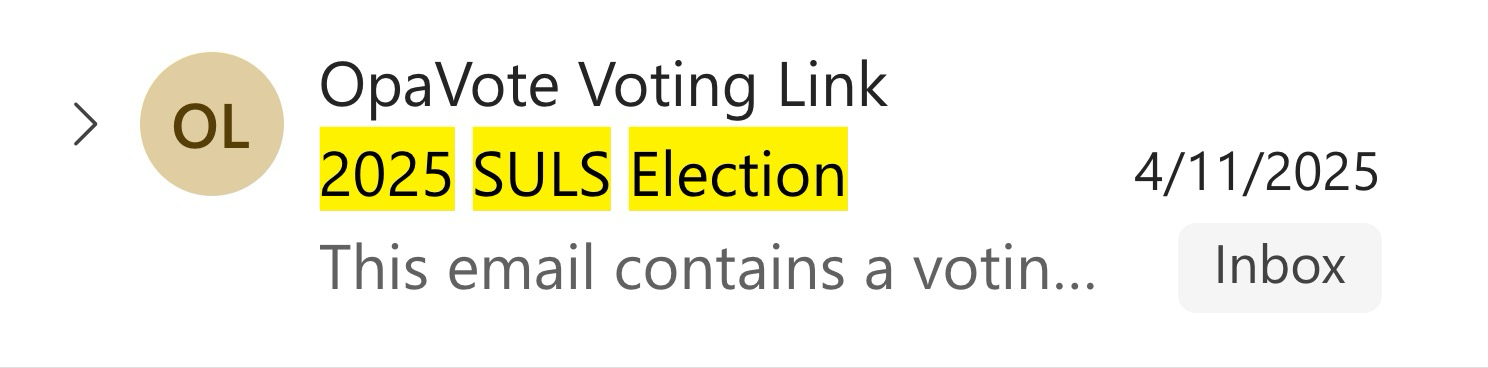
Last year’s voting email, as an example.
Can’t find it? Check your junk or spam folder and search for “SULS Election” or “voting link”. If you registered with your personal email, the link will be there instead of your uni inbox, and the other way around.
Open the link and vote [1] for Shine
The link takes you straight to your ballot. It’s unique to you, so don’t forward it to anyone. Look for these names on the ballot and put Shine first.
- PresidentAnne-Marie Aroney
- VP EducationJessie Xie
- VP CareersElla Saint John
- VP Social JusticeKian Chan
- SecretaryNatalie Neshev
- TreasurerDaniel Johnson
- SponsorshipsOlivia Hills
- SocialsJoe Rooney & Lili Nabavi-Tabrizi
- CompetitionsAngelina Lu & Prash Sivagangabalan
- SportsAndy Watterson
- CampusLolita Chow
- PublicationsCharlie Gattorna
- International Student OfficerJimin Song
Submit before voting closes
Press submit and wait for the confirmation screen, which tells you your vote has been recorded. Voting is open until 29 October.

That’s it, thank you for helping SULS shine!
Still stuck? Message anyone on the Shine team and we’ll help you sort it out.